Rates
- On this page
- Rate details
- How to use them
- Good practices
Rates are reusable concepts for recurring services or frequent charges. You can use them as invoice lines; when you associate one with a client, that association provides the details for recurring billing.
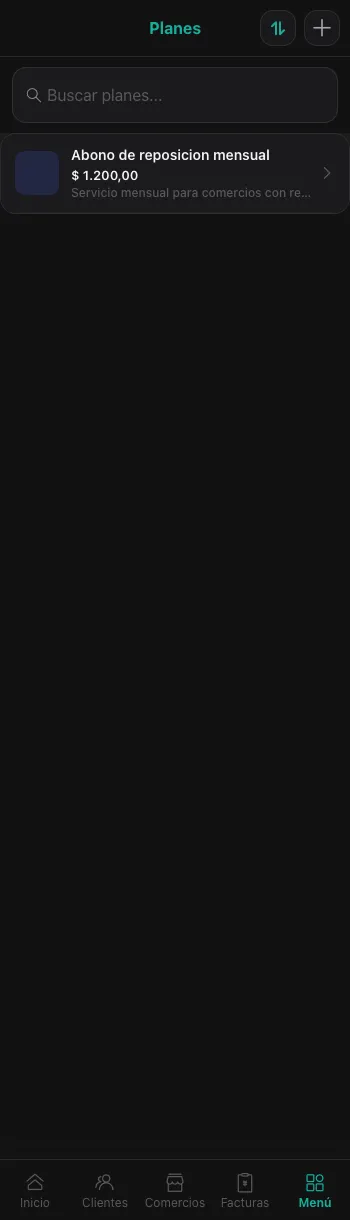
Rate details
- name and optional description;
- price excluding and including tax;
- currency;
- tax type;
- late fee percentage.
How to use them
- Create the rate with the correct amount, currency, and tax.
- Use it as a line in a manual invoice, or associate it with a client for recurring billing.
- When associating it, review the recurrence, next invoice date, currency, and any client-specific discount.
- Before using automatic billing for several clients, verify the first generated invoices.
The recurrence can be every number of days or months. See Automatic invoicing by rates/plans for the assignment screen and the complete flow.
Good practices
- Create separate rates when the price, currency, tax, late fee, or commercial conditions change.
- Avoid duplicating a rate for a small discount; use the client association adjustment when appropriate.
- Use products for one-off sales or non-recurring items, and rates for recurring charges.