Addresses and map
Addresses help locate stores and clients, complete contact data and open navigation during routes.
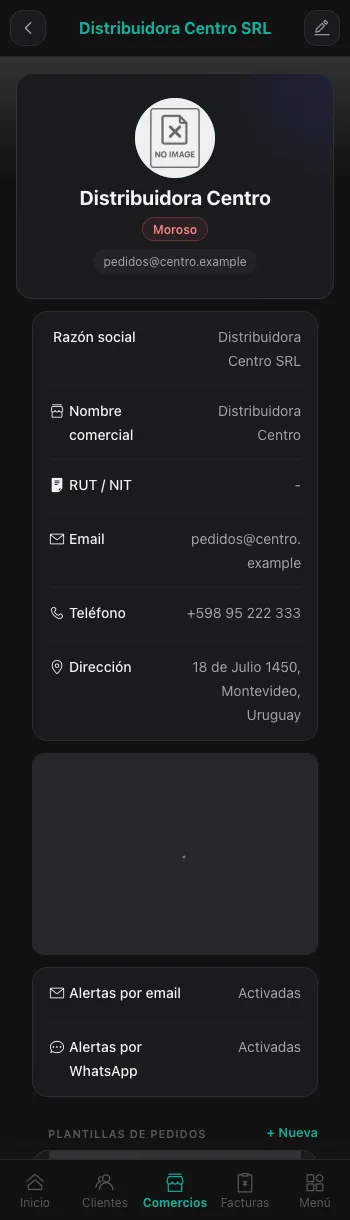
Address fields
- country;
- department or state;
- city;
- street;
- number;
- additional notes;
- latitude and longitude when available.
Default country
When creating stores or clients, the country can be preselected from the country configured for the business or from the visitor preference.
Map usage
The map helps preview the location. If coordinates exist, the app can open navigation links for field work.
Good practices
- Complete city and street before using routes.
- Add notes for delivery instructions.
- Check the map if the address is ambiguous.