Electronic invoicing
- On this page
- What it enables
- Requirements
- Which Biller plan applies
- Set up Biller
- Peru and Brazil
- Set up ARCA
- Belgium, Germany, France and Poland: B2Brouter
- Credit and debit notes
- Important
Connect your distributor to your country's electronic invoicing: DGI with Biller (Uruguay), ARCA (Argentina), SUNAT with Nubefact (Peru) or Focus NFe (Brazil).
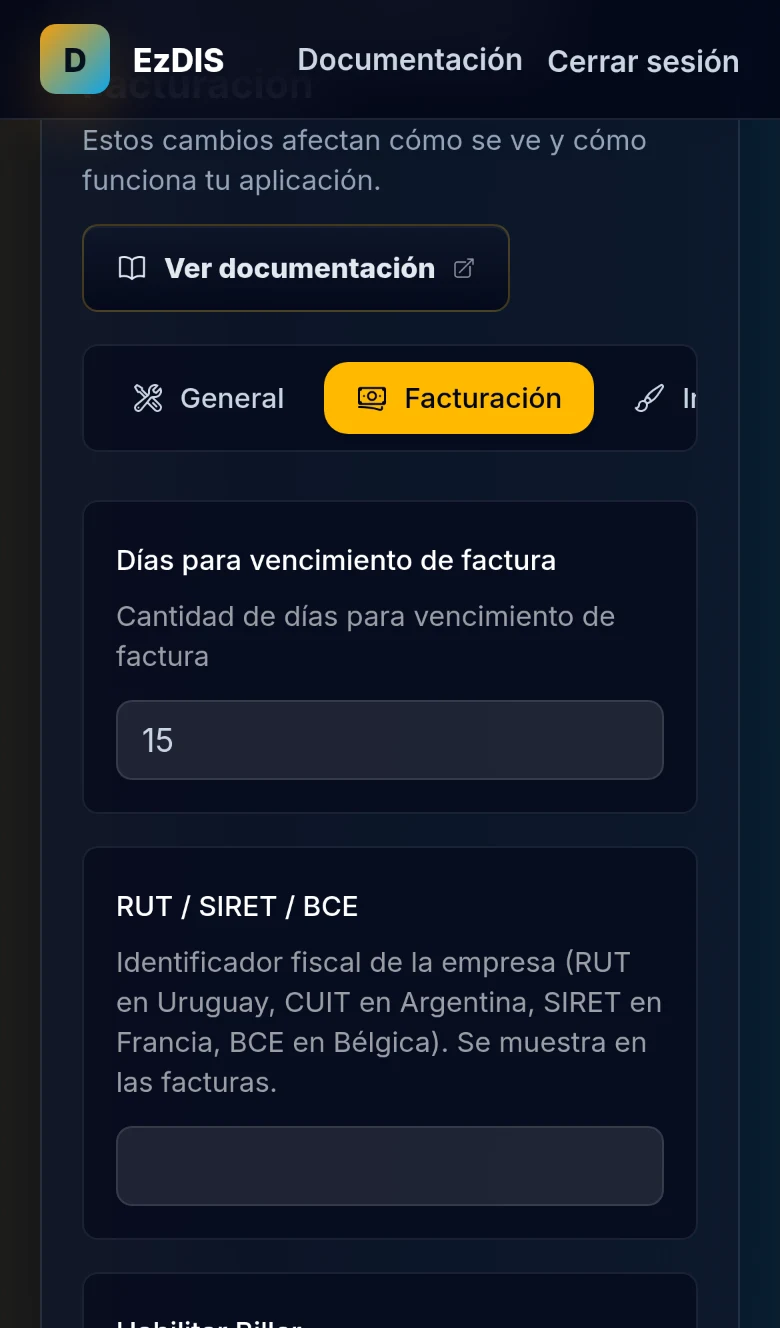
To modify this setting, go to Menu → Settings → Invoicing or open the EzDIS invoicing configuration directly.
Official links:
- Biller, for companies that invoice in Uruguay. The documentation of its REST API explains the integration for external systems.
- ARCA, for companies that invoice in Argentina.
- Nubefact, for companies that invoice in Peru (SUNAT).
- Focus NFe, for companies that invoice in Brazil.
What it enables
If the business operates in Uruguay, EzDIS can connect with Biller to issue and declare electronic receipts to DGI.
If the business operates in Argentina, EzDIS can connect with ARCA to issue Invoice A, B, C and notes with CAE.
You can work with:
- e-Tickets;
- e-Invoices;
- Invoices A, B and C;
- credit notes;
- debit notes;
- PDF with verification QR;
- declaration history.
Requirements
Make sure you have the following items to start the setup.
For Uruguay:
- Biller account with API access. Each business contracts it, and our support team assists you with onboarding and configuration: write to us via WhatsApp;
- API token;
- Branch ID;
- correct tax data in your business;
- permissions to declare invoices in EzDIS.
The cost of electronic invoicing in Uruguay is Biller's fee. EzDIS acts as a gateway: it takes the invoice data, sends it to Biller, and stores the tax response.
Which Biller plan applies
To connect Biller with EzDIS you need to subscribe to the Large plan, because it includes integration of external systems via REST API. The Literal E, Small, and Medium plans do not enable that integration and cannot be used to connect EzDIS.
The plan and its price are purchased directly from Biller. Amounts and conditions may change, so confirm them with Biller before subscribing. EzDIS does not charge the Biller subscription.
For Argentina:
- ARCA activation requested from EzDIS support;
- issuing CUIT;
- ARCA point of sale;
- production certificate and private key;
- business VAT condition;
- stores and clients with correct tax data.
The ARCA SDK account and token are managed by EzDIS. ARCA includes up to 50 declared receipts per month at no extra cost; if that volume is exceeded, pricing is quoted via WhatsApp based on actual usage.
In Argentina you do not need to purchase a Biller plan. The integration is handled with ARCA and the use of the ARCA SDK is included up to 50 declared receipts per month; for higher volume, check the additional cost with support.
Set up Biller
The full guide is in Electronic invoicing with DGI (Uruguay). It details how to register with Biller, which plan is needed, how to obtain the branch number and the API Token.
Peru and Brazil
In Peru, EzDIS declares receipts, invoices and notes to SUNAT with Nubefact: see Electronic invoicing with Nubefact. In Brazil it issues NFS-e, NF-e and NFC-e with Focus NFe: see Electronic invoicing with Focus NFe.
Set up ARCA
The full guide is in Electronic invoicing with ARCA (Argentina). It details how to request activation, obtain the certificate, authorize the webservice, create a point of sale, load tax data and test the flow.
Belgium, Germany, France and Poland: B2Brouter
Use B2Brouter when the account is set up in one of those countries. It sends the invoice through the Peppol network (or by e-mail in Germany and France) and, in Poland, to KSeF, in the format required by each country. The setup is in Electronic invoicing in Europe with B2Brouter.
Credit and debit notes
Manage billing adjustments correctly and linked.
Notes must reference the original invoice. EzDIS validates that relationship and prevents declaring a note if the referenced invoice was not declared.
Important
Key considerations about editing tax documents.
A declared invoice cannot be edited like an undeclared invoice. If you need to correct amounts, products, or balances, the usual approach is to issue a credit or debit note as appropriate.